
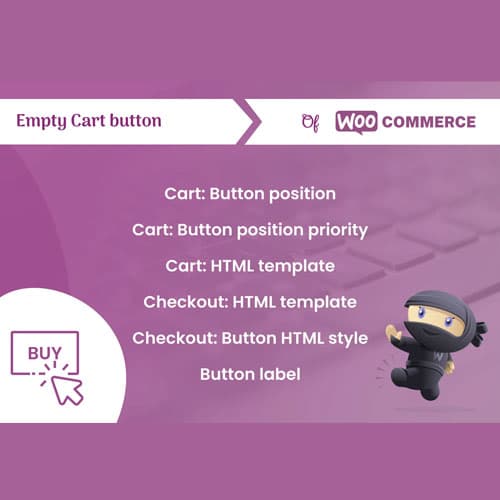
Add a one-click empty cart button to WooCommerce for clearing all items instantly
Empty Cart Button Pro for WooCommerce
Empty Cart Button Pro adds a configurable "Empty Cart" button to WooCommerce. Customers can clear their entire cart with one click, with optional confirmation dialog and customizable button placement and styling.
Included with purchase:
- 100% GPL Licensed
- Lifetime Updates
- Technical Support
- Instant Download
Download for Free
Get this product and unlock 4,500+ premium plugins & themes for just $15.00/month.
What is Empty Cart Button Pro for WooCommerce?
Empty Cart Button Pro is a premium WooCommerce plugin specifically built to enhance the shopping experience for customers by adding a one-click cart clearing button. This plugin provides configurable button styling, optional confirmation dialogs, and AJAX-based clearing to ensure a smooth user experience. Key features include the ability to clear the entire cart with a single click, customizable button styles that match the store's design, and a confirmation option to prevent accidental clearing of the cart. The target audience includes e-commerce businesses looking to improve user experience and streamline the shopping process. It is compatible with the latest WooCommerce and WordPress versions, ensuring seamless integration with existing setups. Available at PluginTheme.net with GPL license, instant download, and lifetime updates.
Key Features
One-Click Clear
Empty entire cart with a single button click
Confirmation Dialog
Optional prompt before clearing to prevent accidents
Custom Styling
Configure button text, colors, size, and position
AJAX Clearing
Clear cart without full page reload
Flexible Placement
Shortcode support for placing button anywhere on the page
Who is this for?
Pros
- One-click cart clearing saves customer time
- Optional confirmation prevents accidental clearing
- Customizable button styling matching store design
- AJAX-based clearing without page reload
- Shortcode support for flexible button placement
Cons
- •Simple feature that some themes already include
- •Risk of accidental cart clearing without confirmation enabled
- •Limited functionality — focused on a single specific feature
Product Videos
Product Description
Empty Cart Button Pro adds a clear-all button to the WooCommerce cart page. Instead of removing items individually, customers can empty their entire cart with a single click, saving time when they want to start fresh with their shopping selection.
Key Capabilities
- One-click empty cart button on the cart page
- Optional confirmation dialog before clearing cart
- Customizable button text, color, size, and position
- AJAX-based cart clearing without page reload
- Mini-cart widget support for clearing from anywhere
User Experience
When customers want to start over with their shopping, removing items one by one is tedious. The Empty Cart button provides a quick way to clear everything at once. The optional confirmation dialog prevents accidental clearing while still providing a fast workflow.
Customization
Configure the button appearance to match your store's design — customize text, colors, size, and position on the cart page. The button can be placed above or below the cart table, next to the update button, or in a custom location using shortcodes.
Our Verdict
PluginTheme Team
Expert Reviewer
Empty Cart Button Pro is a small but useful UX improvement. Customers appreciate the ability to clear everything at once rather than removing items individually. The confirmation dialog option is important — we recommend keeping it enabled to prevent accidental clearing.









