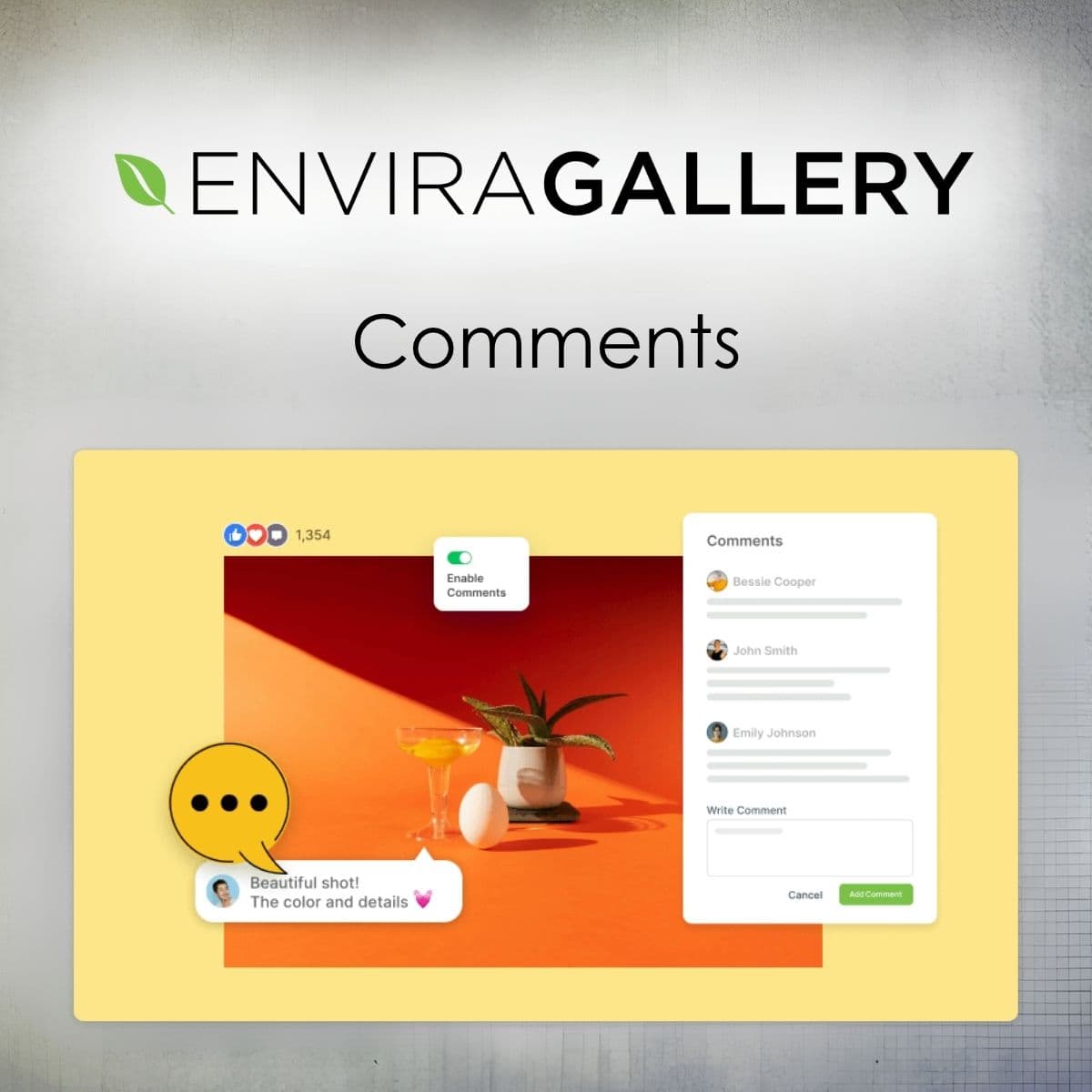
Enable comments on your Envira Gallery images for enhanced interaction.
Envira Gallery - Comments
Envira Gallery - Comments allows visitors to engage with images in your galleries through comments, enhancing interaction and feedback.
Included with purchase:
- 100% GPL Licensed
- Lifetime Updates
- Technical Support
- Instant Download
Download for Free
Get this product and unlock 4,500+ premium plugins & themes for just $15.00/month.
What is Envira Gallery - Comments?
Envira Gallery - Comments is an addon that enables visitors to comment on images in your galleries and albums. It features a customizable comments panel, moderation options, and more. Available at PluginTheme.net with instant download and GPL license.
Key Features
Customizable Comments Panel
Position the comments panel to fit your gallery design.
Moderation Controls
Hold comments for review before they are published.
Engagement Options
Enable likes for comments from logged-in users.
Reply Functionality
Allow visitors to reply to comments, fostering discussions.
Display Options
Show avatars, comment counts, and dates for context.
Who is this for?
Pros
- Easy integration with Envira Gallery
- Customizable user interface
- Moderation capabilities for comment control
- Encourages visitor engagement
Cons
- •Likes feature limited to logged-in users
- •May require additional user management
Product Description
Envira Gallery - Comments is an essential addon for anyone using Envira Gallery who wishes to enhance visitor interaction. This plugin allows users to comment on images while viewing them in a lightbox, providing a dynamic way for visitors to engage with your content.
Installation and Requirements
To use Envira Gallery - Comments, you must have the Envira Gallery plugin installed with the lightbox feature enabled. The installation process is straightforward, allowing you to quickly add this functionality to your galleries.
Customization Options
The comments panel is highly customizable. You can set its position beside the image, ensuring it fits seamlessly into your gallery's layout. Additionally, you have the option to display the comments panel always or only when clicked, giving you control over the user interface.
Moderation and Control
One of the standout features of this addon is the moderation capability. You can hold comments for review before they are published, ensuring that your gallery remains a positive space. This feature is particularly useful for sites that may attract a high volume of comments.
Engagement Features
Envira Gallery - Comments allows for replies to comments, creating a threaded discussion format. This encourages users to engage more deeply with the content and with each other. Additionally, you can enable likes for comments, which can be restricted to logged-in users, adding another layer of interaction.
Use Cases
- Photography Websites: Photographers can receive direct feedback on their work, helping them understand audience preferences.
- Portfolio Sites: Artists can engage with potential clients through comments, creating a dialogue about their work.
- Community Projects: Non-profits or community organizations can foster discussions around their visual content, encouraging community involvement.
Overall, Envira Gallery - Comments enhances the functionality of Envira Gallery by adding a layer of interactivity that can lead to increased visitor engagement and satisfaction. Available at PluginTheme.net with GPL licensing, this addon is a valuable tool for any WordPress professional.