
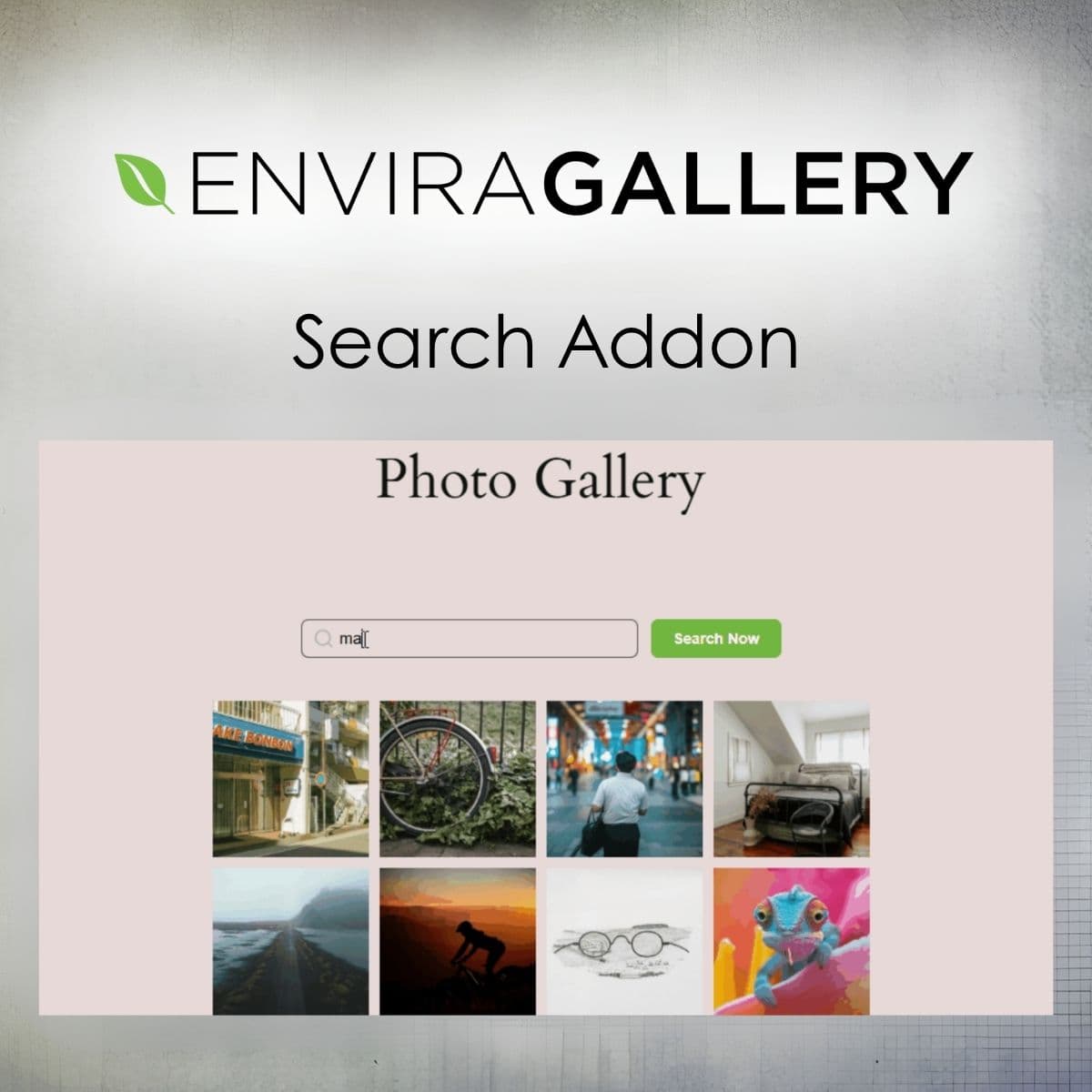
Enable quick image searches in your Envira galleries.
Envira Gallery - Search Addon
Envira Gallery - Search Addon adds a search box to your Envira galleries and albums, so visitors can find images by alt text, description and more.
Included with purchase:
- 100% GPL Licensed
- Lifetime Updates
- Technical Support
- Instant Download
Download for Free
Get this product and unlock 4,500+ premium plugins & themes for just $15.00/month.
What is Envira Gallery - Search Addon?
The Envira Gallery - Search Addon adds a powerful search feature to your Envira galleries, allowing visitors to find images efficiently by various criteria. Available at PluginTheme.net with instant download and GPL license.
Key Features
Gallery and Album Search
Add a search box so visitors can find images in a gallery or galleries in an album.
Alt Text and Description Search
Search image alt text and image descriptions.
Tags, EXIF and Comments Search
Optionally include tags, EXIF data and comments in the search.
Custom Placeholder Text
Set your own placeholder text to guide visitors.
No Page Reload
Results load without reloading the page, with at least three characters required per search.
Who is this for?
Pros
- Enhances user experience with efficient image searching
- Supports multiple search criteria for comprehensive results
- Real-time search functionality improves engagement
- Customizable search box for tailored user guidance
Cons
- •Requires Envira Gallery plugin to function
- •Minimum three-character search requirement may limit usability
Product Description
The Envira Gallery - Search Addon is built for WordPress users who want to make large image galleries easier to browse. It is an addon for the Envira Gallery plugin, so Envira Gallery must be installed and active before you can use it.
Setup
After activating the addon, open a gallery or album and use the Search tab to enable search. You can set your own placeholder text and choose what visitors can search.
What Can Be Searched
- Alt Text: Match the alt text of each image.
- Image Descriptions: Match the caption or description of each image.
- Tags, EXIF Data and Comments: Optionally include these when the related features are enabled for the gallery.
How Searching Works
Visitors type a keyword and run the search. Results load without reloading the page, and the addon shows messages while it is searching, when the keyword is too short and when no images match. Searches need at least three characters and are limited to 100 characters.
Good to Know
Tag filtering and gallery search cannot be used at the same time on the same gallery. If you want to use tag filtering, disable the gallery search first.
Use Cases
- Photography portfolios with large image collections.
- Art galleries and design showcases.
- Blogs and sites with image-heavy content.
Available at PluginTheme.net with a GPL license.