
Display Gravity Forms entries on the front end as directories, tables, and data views
GravityView WordPress Plugin
GravityView displays Gravity Forms entries on the front end of your website. Create searchable directories, data tables, listings, and custom views from form submissions without writing code.
Included with purchase:
- 100% GPL Licensed
- Lifetime Updates
- Technical Support
- Instant Download
What is GravityView WordPress Plugin?
GravityView is a WordPress plugin that displays Gravity Forms entries on the front end as directories, tables, and searchable listings. It creates public data views from form submissions without coding. Available at PluginTheme.net with instant download and GPL license.
Key Features
Entry Display
Show Gravity Forms entries publicly on the front end
View Layouts
Table, list, map, and custom template options
Search & Filter
Visitor search and filtering for directory navigation
Front-End Editing
Allow authorized users to edit entries from the front end
Detail Pages
Single entry views with custom field layouts
Who is this for?
Pros
- Turn form entries into searchable front-end directories
- Multiple layout options including tables, lists, and maps
- Search and filter functionality for directory browsing
- Front-end entry editing for authorized users
- No coding required for directory creation
Cons
- •Requires Gravity Forms as the data source
- •Complex views may need layout customization
- •Performance depends on entry volume and view complexity
Product Description
GravityView transforms Gravity Forms entries into front-end displays. Instead of keeping form submissions locked in the admin, GravityView creates searchable directories, filterable tables, and custom layouts that display entry data publicly on your website.
Key Capabilities
- Display Gravity Forms entries as front-end directories and tables
- Multiple view layouts — table, list, map, and custom templates
- Search and filter functionality for visitors
- Entry editing from the front end by authorized users
- Single entry detail views with custom field layouts
Directory Building
Build member directories, business listings, staff directories, or any database-driven display from Gravity Forms entries. Visitors search and filter the directory, view entry listings, and click through to detailed single-entry pages — all powered by form submission data.
Data Display
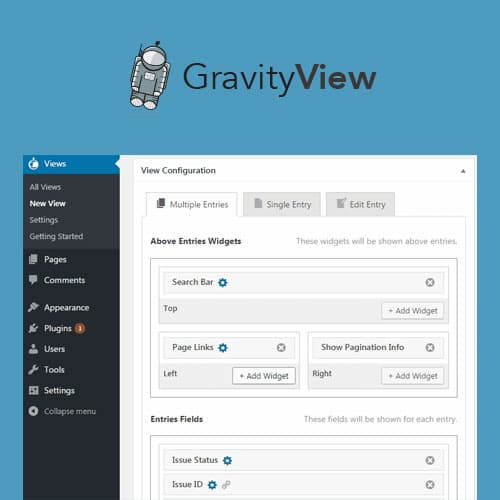
Choose which form fields appear in your view, configure column layouts, add sorting and filtering options, and control who can see what data. GravityView handles the display while Gravity Forms handles data collection.
Our Verdict
PluginTheme Team
Expert Reviewer
GravityView is a practical solution for creating data-driven directories from Gravity Forms. The ability to turn form entries into searchable public listings without coding is valuable. Multiple layout options provide flexibility for different directory types.
