Let students share course completion grades on social media from Sensei LMS
Sensei Share Your Grade
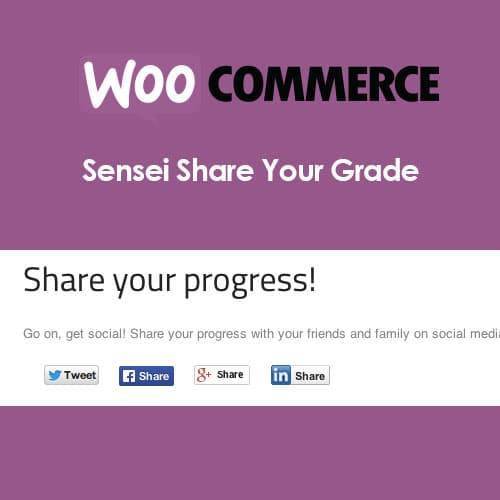
Sensei Share Your Grade adds social sharing buttons to Sensei LMS course completion pages. Students can share their course grades and completion status on Facebook, Twitter, and LinkedIn, providing social proof for the course and extending its visibility through student networks.
Included with purchase:
- 100% GPL Licensed
- Lifetime Updates
- Technical Support
- Instant Download
Download for Free
Get this product and unlock 4,500+ premium plugins & themes for just $15.00/month.
What is Sensei Share Your Grade?
Sensei Share Your Grade is a premium extension for the Sensei LMS plugin that enhances course completion pages by adding social media sharing buttons, enabling students to share their grades and achievements on platforms like Facebook, Twitter, and LinkedIn. This functionality creates organic social proof, allowing students to showcase their accomplishments and promote courses through their networks. The extension includes customizable message templates, giving users control over how their achievements appear when shared. It is particularly beneficial for educators and course creators looking to increase visibility and engagement. Sensei Share Your Grade is fully compatible with the latest Sensei LMS versions, ensuring a smooth integration. Available at PluginTheme.net with GPL license, instant download, and lifetime updates.
Key Features
Social Share Buttons
Adds Facebook, Twitter, and LinkedIn sharing buttons to Sensei course completion pages.
Customizable Share Messages
Configure text templates that control how grades and course names appear in social posts.
Course Link Referrals
Shared posts include links back to the course page for organic referral traffic generation.
Platform Selection
Choose which social media platforms appear as sharing options on completion pages.
Grade-Based Display
Optionally restrict sharing buttons to only appear for students who achieved passing grades.
Visual Integration
Share buttons match the course completion page design for a consistent user experience.
Who is this for?
Pros
- Turns course completions into organic social media marketing through student sharing
- Customizable message templates control how achievements appear on each platform
- Shared posts link back to the course page, driving referral traffic from student networks
- Platform selection lets administrators choose which social networks to display
- Configuration options allow restricting sharing to passing grades only
Cons
- •Limited to Sensei LMS — not compatible with other WordPress learning management plugins
- •Sharing effectiveness depends on students voluntarily choosing to post their grades
Product Description
Sensei Share Your Grade is an extension for the Sensei LMS plugin that adds social sharing functionality to course completion pages. When students finish a course, they see share buttons that let them post their grade and achievement to social media platforms, turning course completions into social proof and marketing opportunities.
Social Sharing on Completion
After completing a course and receiving their grade, students see share buttons for major social platforms. The shared post includes the course name, grade achieved, and a link back to the course page, creating organic referral traffic from student networks.
Supported Platforms
- Facebook — share grade with course details and link in a formatted post
- Twitter — tweet course completion with configurable message templates
- LinkedIn — share professional achievement on LinkedIn profiles
- Customizable messages — configure the text templates used for each social platform
Marketing Value
When students share their grades publicly, it creates organic visibility for your courses. Each share reaches the student's network of contacts, providing authentic social proof that real people are taking and completing your courses. This word-of-mouth marketing is more credible than paid advertising.
Configuration
Administrators can customize the share message templates, select which social platforms to display, and configure whether sharing appears for all grades or only passing grades. The share buttons integrate visually with the course completion page layout.
Our Verdict
PluginTheme Team
Expert Reviewer
A simple, focused extension that adds social sharing to course achievements. The marketing value depends on student engagement with sharing, but the zero-maintenance setup makes it worthwhile to enable.