
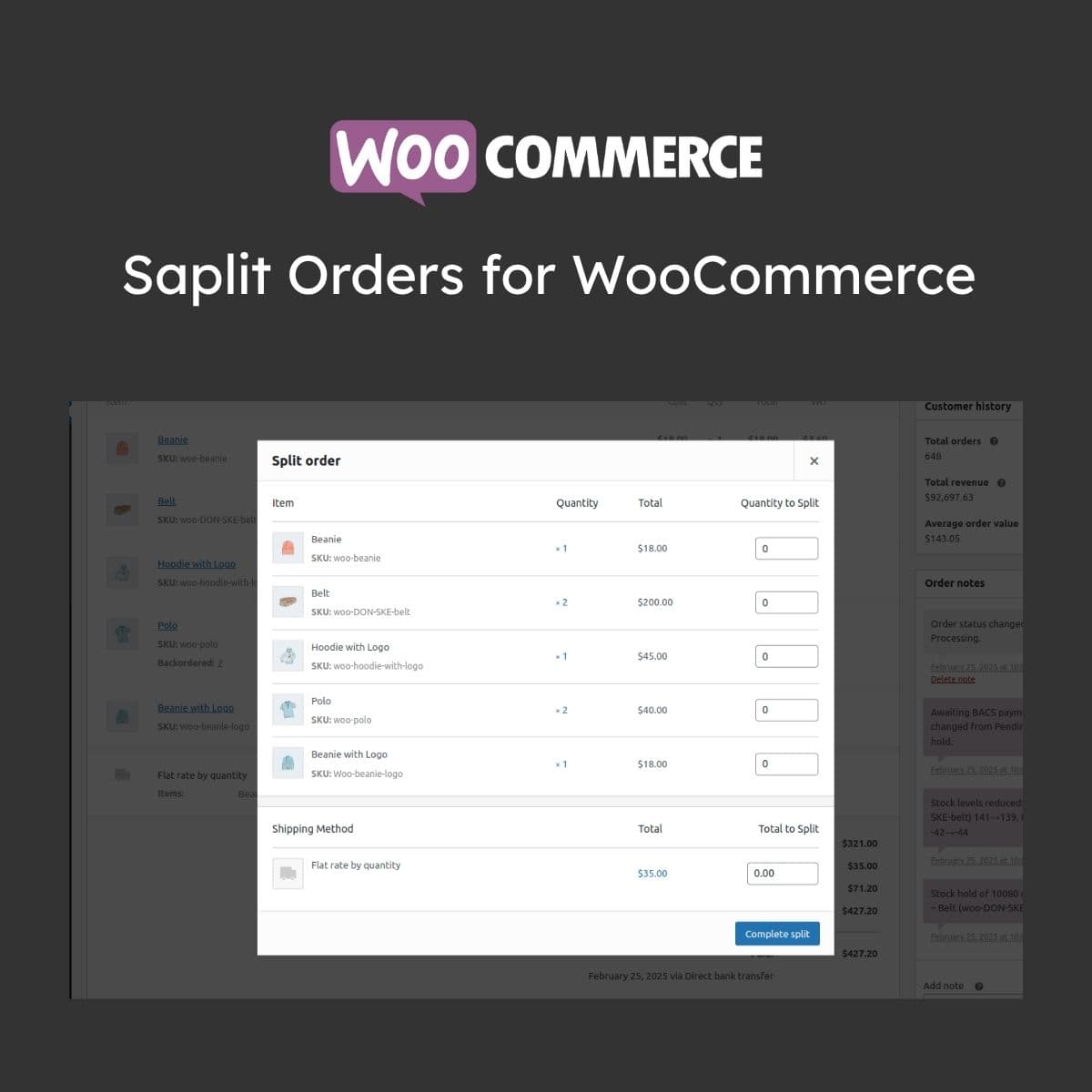
Split WooCommerce orders into separate shipments or fulfillments
Split Orders for WooCommerce
WordPress plugin that allows splitting WooCommerce orders into multiple sub-orders for separate fulfillment, shipping, or processing. Useful for multi-warehouse operations, partial shipments, dropshipping setups, and handling backorder items independently.
Included with purchase:
- 100% GPL Licensed
- Lifetime Updates
- Technical Support
- Instant Download
Download for Free
Get this product and unlock 4,500+ premium plugins & themes for just $15.00/month.
What is Split Orders for WooCommerce?
Split Orders for WooCommerce is a premium WordPress plugin that allows store owners to divide WooCommerce orders into separate sub-orders for independent fulfillment. This functionality supports manual splitting, warehouse-based routing, and custom split rules, addressing real-world fulfillment scenarios where items from a single order may need to be shipped separately. Key features include the ability to track sub-orders independently while maintaining a link to the parent order, and separate email notifications for each sub-order. This plugin is particularly useful for e-commerce businesses with complex shipping requirements. It is compatible with the latest versions of WooCommerce and WordPress. Available at PluginTheme.net with GPL license, instant download, and lifetime updates.
Key Features
Manual Splitting
Select line items and split them into new sub-orders from the order page
Warehouse Routing
Automatically split based on product warehouse assignments
Partial Fulfillment
Ship available items while creating sub-orders for backordered products
Linked Sub-Orders
Sub-orders reference parent order for complete history and tracking
Separate Notifications
Individual email updates with tracking numbers for each partial shipment
Who is this for?
Pros
- Split orders into independent sub-orders with separate tracking
- Automatic splitting based on warehouse or category rules
- Sub-orders linked to parent for complete order history
- Separate email notifications for each partial shipment
- Supports partial fulfillment for backordered items
Cons
- •Order splitting adds complexity to fulfillment workflows
- •Multiple sub-orders increase the number of email notifications to customers
- •Reporting may need adjustment to account for split order metrics
Product Videos
Product Description
Split Orders for WooCommerce enables store owners to divide a single customer order into multiple sub-orders that can be processed, shipped, and tracked independently. This addresses real-world fulfillment scenarios where items from one order may need to ship from different locations or at different times.
Splitting Capabilities
- Manual Order Splitting - Select specific line items from an order and split them into a new sub-order from the order detail page
- Warehouse-Based Splitting - Automatically split orders based on product warehouse assignments so each fulfillment center receives only their items
- Partial Fulfillment - Ship available items immediately while creating a separate sub-order for backordered or delayed products
- Custom Split Rules - Configure rules to automatically split orders based on product categories, shipping methods, or vendor assignments
Order Management
Sub-orders maintain a reference to the parent order, so customer service can view the complete order history from a single location. Each sub-order gets its own order number, status tracking, shipping label, and tracking number. Status changes on sub-orders can optionally update the parent order status automatically.
Customer Communication
Separate email notifications are sent for each sub-order, informing customers about partial shipments, individual tracking numbers, and expected delivery dates for remaining items. The customer account page displays sub-order details alongside the original order.
Our Verdict
PluginTheme Team
Expert Reviewer
Split Orders addresses a genuine fulfillment need for stores shipping from multiple locations. The parent-child order relationship keeps things organized, and automatic splitting rules reduce manual work.









