
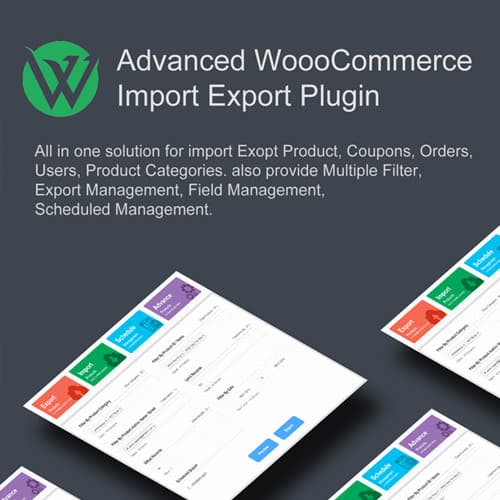
Import and export WooCommerce products, orders, and customers
Woo Import Export
Woo Import Export handles bulk data import and export for WooCommerce stores. Transfer products, orders, customers, and coupons between sites or update existing data from CSV, XML, and Excel files.
Included with purchase:
- 100% GPL Licensed
- Lifetime Updates
- Technical Support
- Instant Download
Download for Free
Get this product and unlock 4,500+ premium plugins & themes for just $15.00/month.
What is Woo Import Export?
Woo Import Export is a premium WordPress plugin that facilitates bulk importing and exporting of WooCommerce products, orders, customers, and coupons using CSV, XML, and Excel files. This plugin is particularly useful for eCommerce businesses that need to manage large datasets efficiently, allowing for flexible field mapping to ensure data accuracy during migration. With scheduling capabilities, users can automate their import and export processes, saving valuable time. Woo Import Export is compatible with the latest versions of WooCommerce, making it suitable for store owners and developers who require robust data management solutions. This plugin is designed for eCommerce managers and developers who need to streamline their data handling processes. Available at PluginTheme.net with GPL license, instant download, and lifetime updates.
Key Features
Product Transfer
Bulk import/export with images, variations, and attributes
Order Management
Import and export orders with full details
Customer Data
Transfer accounts, addresses, and purchase history
Field Mapping
Map columns to WooCommerce fields flexibly
Scheduling
Automated imports via FTP, URL, or local files
Multiple Formats
CSV, XML, Excel, and TSV file support
Who is this for?
Pros
- Feature: Products, orders, customers, and coupons import/export
- Feature: Flexible field mapping for various data formats
- Feature: CSV, XML, and Excel file support
- Feature: Scheduled automated imports via FTP or URL
- Feature: Real-time preview before executing imports
Cons
- •Large imports may require server resource adjustments
- •Complex product variations need careful field mapping
Product Description
Woo Import Export provides comprehensive data migration and bulk management tools for WooCommerce. The plugin handles importing and exporting all major WooCommerce data types with field mapping and scheduling capabilities.
Key Capabilities
- Product Import/Export: Bulk transfer products with images, variations, categories, attributes, and custom fields
- Order Management: Import and export orders with customer details, line items, and payment information
- Customer Data: Transfer customer accounts, addresses, and purchase history between WooCommerce installations
- Field Mapping: Map CSV/XML columns to WooCommerce fields for flexible data format handling
- Scheduled Operations: Automate imports and exports on configurable schedules via FTP, URL, or local files
Data Formats
Supports CSV, XML, Excel (XLS/XLSX), and TSV file formats. Real-time preview shows mapped data before executing imports.
Our Verdict
PluginTheme Team
Expert Reviewer
Woo Import Export handles WooCommerce data migration reliably. The field mapping is flexible enough for most data format scenarios, and the preview feature helps catch issues before executing imports.









