
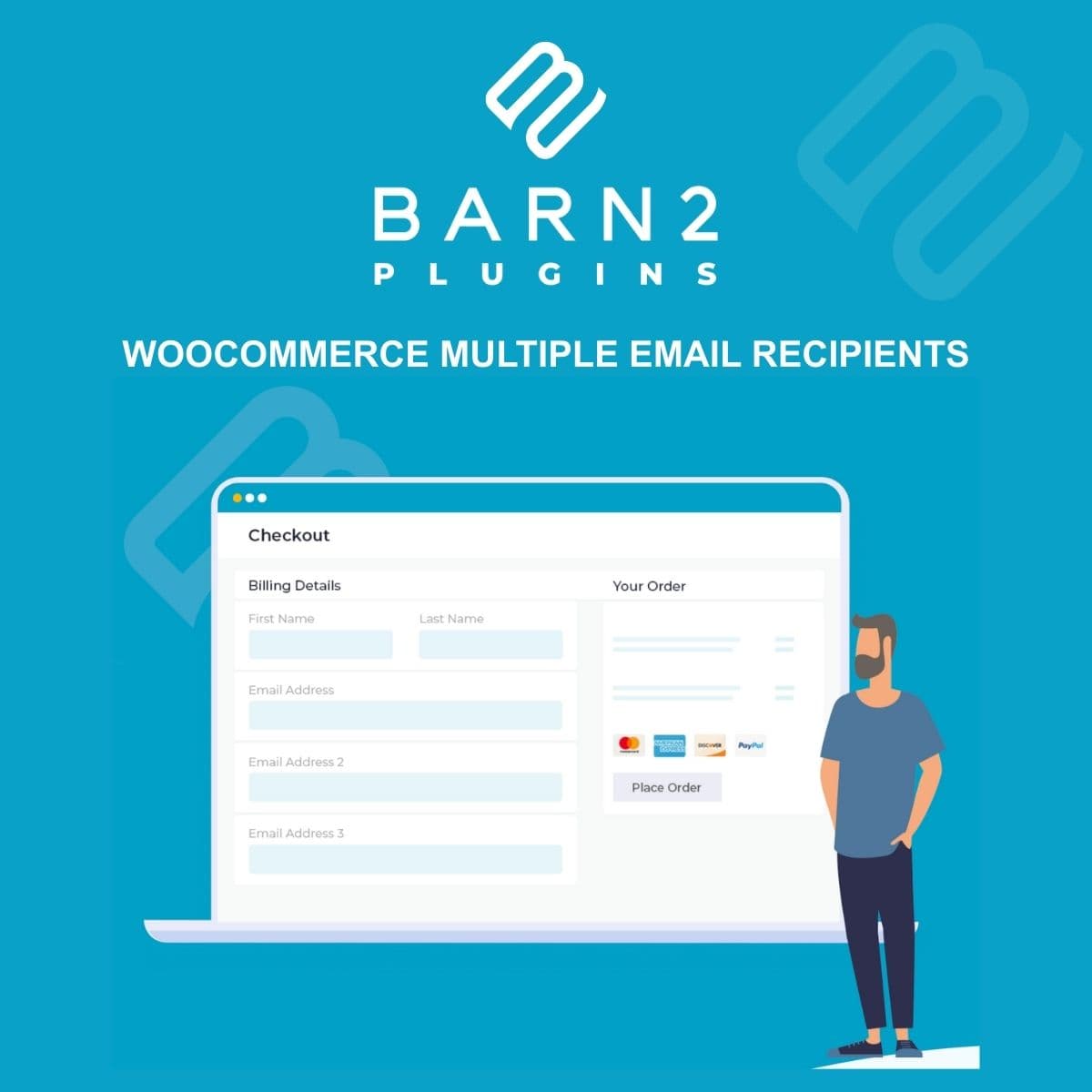
Send WooCommerce order emails to multiple recipients
WooCommerce Multiple Email Recipients
WordPress plugin that extends WooCommerce email notifications to support multiple recipients per email type. Configure different email addresses for new orders, completed orders, refunds, and other notifications based on product category, shipping zone, or custom rules.
Included with purchase:
- 100% GPL Licensed
- Lifetime Updates
- Technical Support
- Instant Download
Download for Free
Get this product and unlock 4,500+ premium plugins & themes for just $15.00/month.
What is WooCommerce Multiple Email Recipients?
WooCommerce Multiple Email Recipients is a premium WordPress plugin that extends WooCommerce's email notification system by allowing notifications to be sent to multiple email addresses. This plugin is particularly useful for businesses where different departments or teams need to receive order notifications. Key features include configurable multiple recipients for each WooCommerce email type, category-based routing to ensure relevant teams receive the right notifications, and support for CC and BCC for flexible email structures. Additionally, it allows for conditional rules based on order details, enhancing communication efficiency. The plugin is compatible with the latest WooCommerce and WordPress versions, making it a valuable tool for online stores. Available at PluginTheme.net with GPL license, instant download, and lifetime updates.
Key Features
Per Email Type
Different recipient lists for new orders, completed orders, refunds, and other notifications
Category Routing
Route notifications to specific addresses based on product categories
Conditional Rules
Add recipients based on order total, shipping method, or customer location
CC/BCC Support
Copy additional recipients without changing primary notification structure
Email Testing
Verify recipient configuration with test email functionality
Who is this for?
Pros
- Configure multiple recipients per WooCommerce email type
- Category-based routing sends orders to relevant teams
- CC and BCC support for flexible notification structure
- Conditional rules based on order total, shipping, or location
- Test email functionality verifies delivery before launch
Cons
- •Many routing rules may increase email sending volume significantly
- •Complex conditional rules require careful testing to avoid missed notifications
- •Email deliverability depends on your SMTP configuration handling multiple recipients
Product Videos
Product Description
WooCommerce Multiple Email Recipients extends the built-in WooCommerce email system to send order notifications to multiple email addresses based on configurable rules. This is useful for businesses where different departments, warehouse locations, or team members need to receive specific order notifications.
Recipient Configuration
- Per Email Type - Assign different recipient lists for each WooCommerce email type: new orders, processing, completed, refunded, cancelled, and failed orders
- Category-Based Routing - Route order notifications to specific email addresses based on the product categories in the order
- Conditional Recipients - Add recipients based on order total, shipping method, payment method, or customer location
- CC and BCC Support - Add recipients as CC or BCC to maintain the primary notification structure while copying additional people
Use Cases
Multi-department businesses can route fulfillment emails to the warehouse, payment confirmations to accounting, and refund notifications to customer service. Stores with multiple product lines can send category-specific orders to the relevant team. Franchise or multi-location setups can direct orders to the nearest fulfillment point.
Management
The settings interface provides a clear overview of all configured email routing rules. Test email functionality allows verifying that all recipients receive the correct notifications before going live. Email logs show delivery status for each recipient to confirm notification delivery.
Our Verdict
PluginTheme Team
Expert Reviewer
Multiple Email Recipients solves a practical problem for WooCommerce stores with team-based order handling. The category routing feature is particularly useful for stores with diverse product lines managed by different teams.









