

Professional WooCommerce bulk editor with advanced filtering and export tools
WOOBE - WooCommerce Bulk Editor Professional
WOOBE is a professional WooCommerce bulk editor that provides a powerful spreadsheet interface for managing products. Edit prices, stock, descriptions, images, and custom fields with advanced filtering, column management, and CSV export capabilities.
Included with purchase:
- 100% GPL Licensed
- Lifetime Updates
- Technical Support
- Instant Download
Download for Free
Get this product and unlock 4,500+ premium plugins & themes for just $15.00/month.
What is WOOBE - WooCommerce Bulk Editor Professional?
WOOBE is a premium WooCommerce bulk editor plugin that provides a spreadsheet-style approach to product editing, allowing for fast and efficient management of WooCommerce product listings. This plugin enables inline cell editing, advanced filtering, and comprehensive column management, making it easier for store owners to update multiple products simultaneously. Additionally, it supports CSV export/import capabilities, facilitating external editing workflows and bulk updates. WOOBE is designed for e-commerce businesses that require a robust and user-friendly solution for managing large product catalogs. It is compatible with the latest versions of WordPress and WooCommerce, ensuring reliable performance and ease of use. Available at PluginTheme.net with GPL license, instant download, and lifetime updates.
Key Features
Inline Cell Editing
Click-to-edit any product field directly in the table view
Column Manager
Customize visible columns including custom fields and taxonomies
Advanced Filtering
Multi-criteria filters with saveable presets
CSV Export/Import
Export to CSV for external editing and re-import
Who is this for?
Pros
- Fast inline cell editing for quick product updates
- Comprehensive column manager with custom field support
- Advanced multi-criteria filtering system
- CSV export/import for external editing workflows
- Nested variation editing under parent products
Cons
- •Interface requires screen width for comfortable editing with many columns
- •Initial setup of column preferences takes time for large catalogs
- •Undo is limited to the current editing session only
Product Description
WOOBE (WooCommerce Bulk Editor Professional) is an advanced product management tool that turns your WooCommerce product list into an editable spreadsheet. It provides fast inline editing, bulk operations, and extensive filtering for efficient catalog management.
Core Features
- Inline Cell Editing - Click any table cell to edit values directly: prices, titles, descriptions, stock, SKU, and more
- Bulk Price Operations - Set, increase, or decrease prices by fixed amount or percentage with category-level filtering
- Column Manager - Choose which product fields to display as columns, including custom fields and taxonomies
- Advanced Filters - Filter by multiple criteria simultaneously: category, price range, stock status, date, and any custom field
- CSV Export/Import - Export filtered product data to CSV and re-import after external editing in Excel or Google Sheets
Variation Management
WOOBE handles variable products with a nested view showing all variations under their parent. Edit variation prices, stock, and attributes inline without opening separate variation panels.
Batch Operations
Apply changes to all filtered products at once: update categories, set sale prices, change stock status, or modify any text field. Changes process in batches to handle large catalogs without server timeouts.
Our Verdict
PluginTheme Team
Expert Reviewer
WOOBE provides a well-organized bulk editing experience with its column manager being a standout feature. The filtering system is reliable for isolating specific product groups for batch updates.
Expert Review

Related Products

WoodMart - Responsive WooCommerce WordPress Theme
$59.00 $4.49

Slider Revolution Responsive WordPress Plugin
$26.00 $4.49

Advanced Custom Fields (ACF) Pro
$100.00 $4.49

JetEngine For Elementor
$22.00 $4.49

Flatsome Multi Purpose Responsive WooCommerce Theme
$59.00 $4.49

Visual Composer by WPBakery
$46.00 $4.49
More WooCommerce Plugins Products
View All →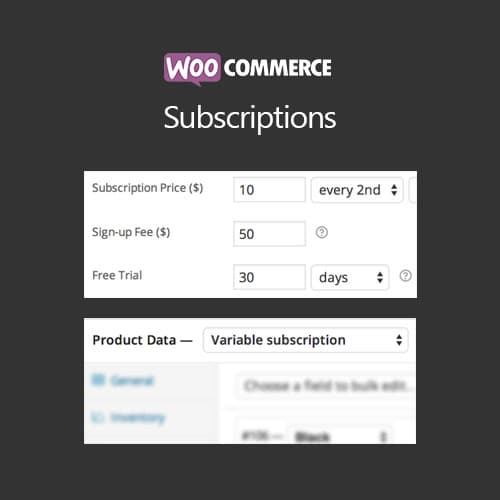
WooCommerce Subscriptions
$4.49
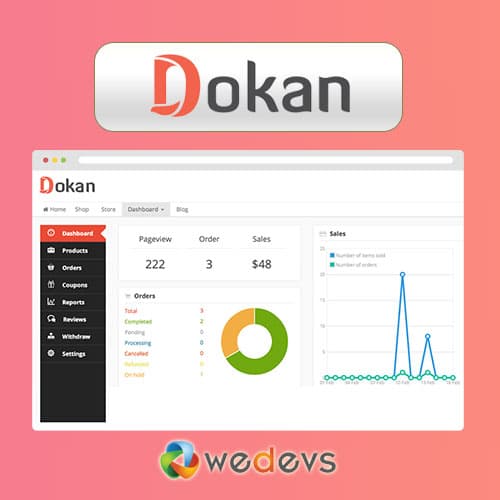
Dokan Pro WordPress Plugin
$4.49

WooCommerce Smart Coupons
$4.49

AutomateWoo - Marketing Automation for WooCommerce
$4.49

Yoast WordPress WooCommerce SEO Premium
$4.49
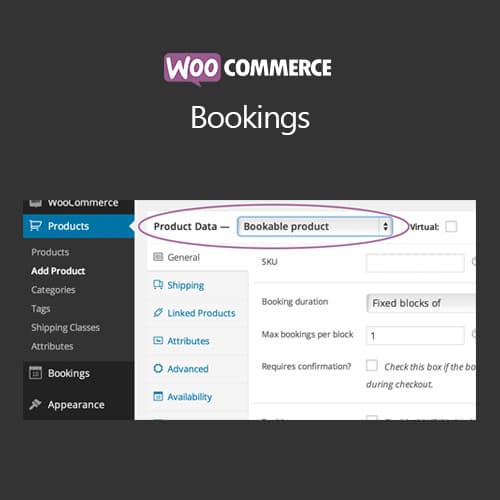
WooCommerce Bookings
$4.49
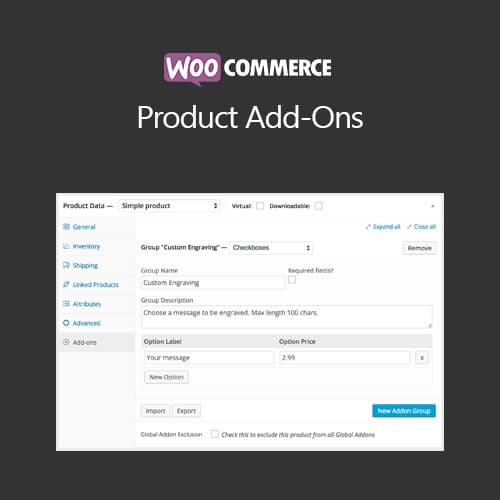
WooCommerce Product Add-Ons
$4.49

WooLentor Pro – WooCommerce Page Builder Elementor Addon
$4.49