
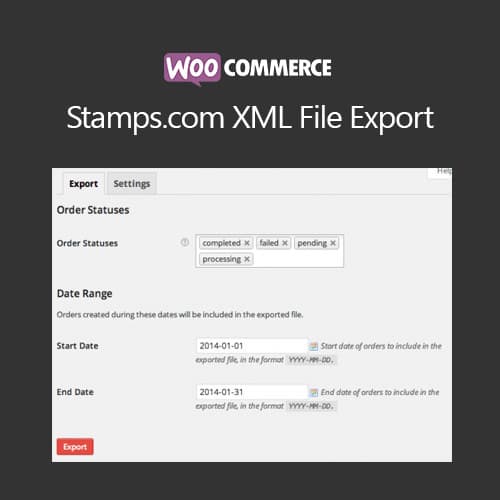
Export WooCommerce orders as Stamps.com compatible XML files for shipping
WooCommerce Stamps.com XML File Export
WooCommerce Stamps.com XML File Export generates XML files from WooCommerce orders formatted for import into Stamps.com shipping software. It automates order data export with address details, package weights, and shipping preferences for streamlined label printing.
Included with purchase:
- 100% GPL Licensed
- Lifetime Updates
- Technical Support
- Instant Download
Download for Free
Get this product and unlock 4,500+ premium plugins & themes for just $15.00/month.
What is WooCommerce Stamps.com XML File Export?
WooCommerce Stamps.com XML File Export is a premium WordPress plugin that facilitates the generation of Stamps.com compatible XML files from WooCommerce orders. This plugin automates the shipping label creation process by mapping customer address and package data, making it particularly useful for eCommerce businesses that rely on Stamps.com for shipping. Key features include bulk order export, scheduled automatic exports, and order status filtering, which streamline the shipping workflow. The plugin is compatible with the latest WooCommerce versions, ensuring efficient integration with existing store setups. Available at PluginTheme.net with GPL license, instant download, and lifetime updates.
Key Features
XML Export
Generate Stamps.com compatible files from WooCommerce orders
Bulk Processing
Export multiple orders simultaneously for batch shipping
Address Mapping
Customer address and package detail automatic formatting
Scheduled Exports
Automatic order exports at configurable time intervals
Who is this for?
Pros
- Bulk order export to Stamps.com XML format
- Customer address and package data mapping
- Scheduled automatic exports at set intervals
- Order status filtering for selective exports
- Export history logging for record tracking
Cons
- •Requires WooCommerce and Stamps.com account
- •Limited to Stamps.com shipping platform format
- •US-focused shipping solution may not suit international stores
Product Description
WooCommerce Stamps.com XML File Export bridges your WooCommerce store with Stamps.com shipping software by generating properly formatted XML order files. The plugin automates the data transfer process for efficient shipping label creation.
Export Features
- Bulk order export to Stamps.com XML format
- Customer address mapping with validation
- Package weight and dimensions inclusion
- Shipping service preference mapping
- Order status-based export filtering
Automation
- Scheduled automatic exports at configurable intervals
- Custom field mapping for special order data
- Export history logging for record tracking
- Error reporting for failed or incomplete exports
Shipping Workflow
The plugin eliminates manual data entry when processing shipments through Stamps.com. Store owners can export orders in bulk, import them into Stamps.com, and print shipping labels without re-entering customer addresses and package details.
WooCommerce Stamps.com XML File Export is available at PluginTheme.net with instant download and GPL licensing.
Our Verdict
PluginTheme Team
Expert Reviewer
WooCommerce Stamps.com XML Export streamlines the shipping workflow for stores using Stamps.com, eliminating manual data transfer for label printing.
Expert Review

Related Products
More WooCommerce Plugins Products
View All →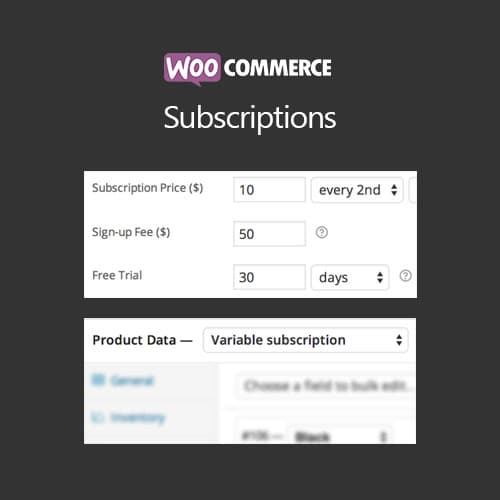
WooCommerce Subscriptions
$4.49

Dokan Pro WordPress Plugin
$4.49
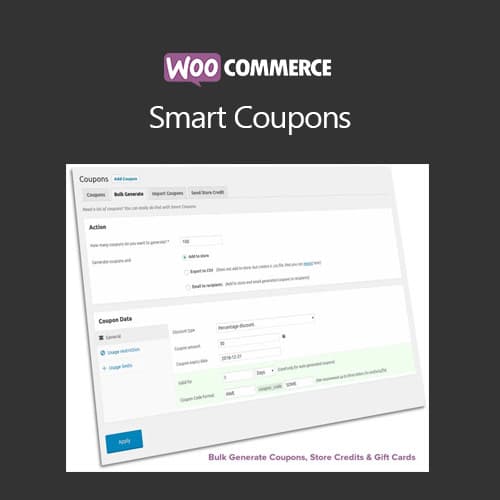
WooCommerce Smart Coupons
$4.49

AutomateWoo - Marketing Automation for WooCommerce
$4.49

Yoast WordPress WooCommerce SEO Premium
$4.49
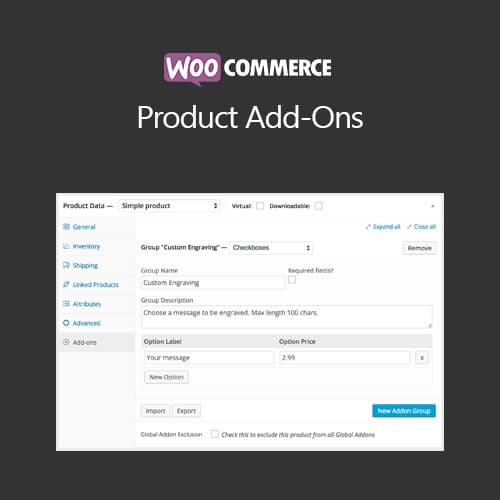
WooCommerce Product Add-Ons
$4.49
WooCommerce Bookings
$4.49

WooLentor Pro – WooCommerce Page Builder Elementor Addon
$4.49